Bring everyone into the idea
Show your partner the layout. Let family look around. Work through changes with a collaborator. A shared home design gives the conversation somewhere to start.
Create an account to save and share
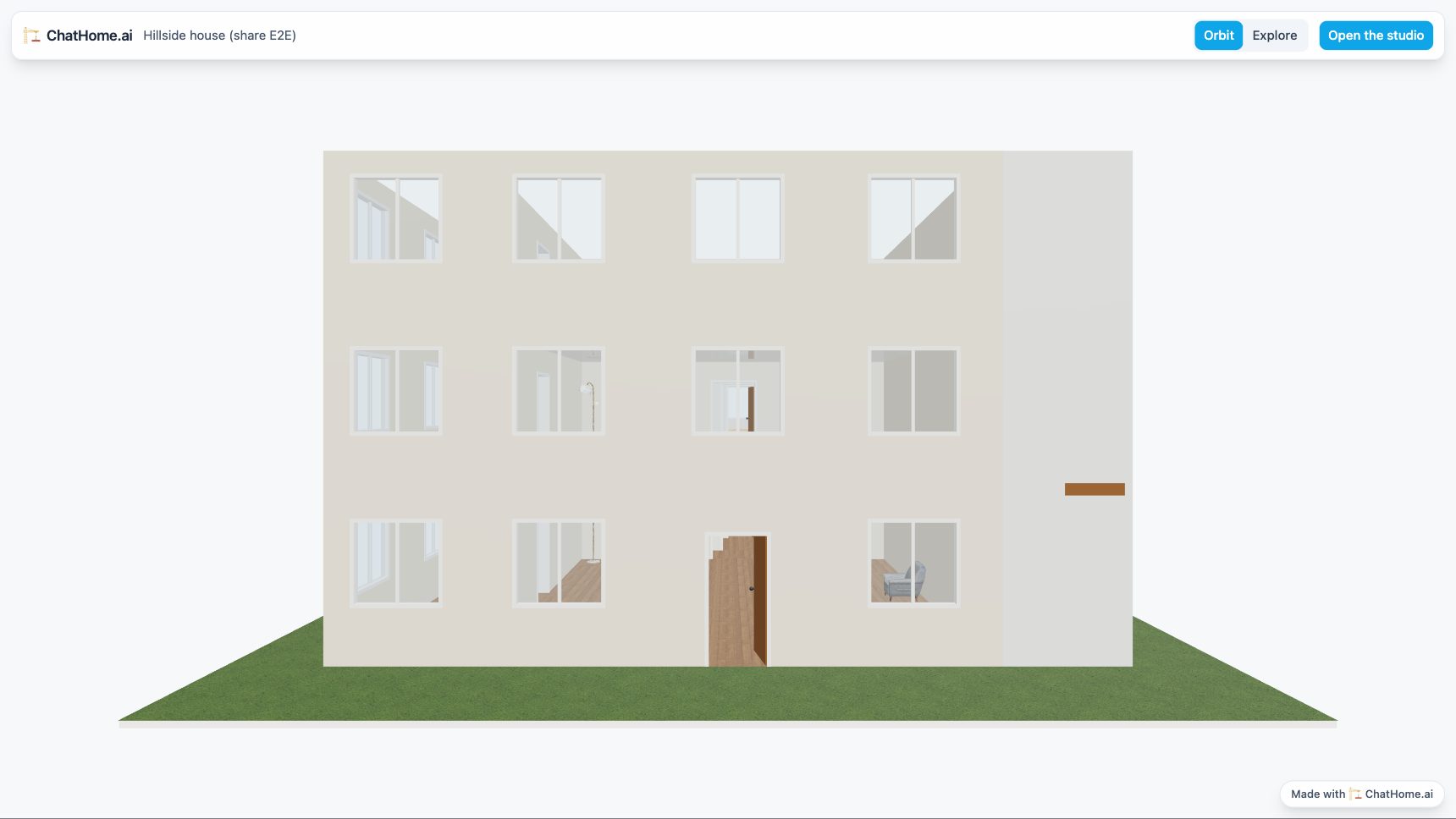
Choose how to bring someone in
Share a view
Create a read-only link from a cloud design you own. Anyone with that link can look around in 3D or walk through the home without an account. They cannot edit it. Choose and manage the right access.
Work together
Add someone using the email address of their existing ChatHome.ai account. Give them editor access to make changes, or viewer access to look around.
The design appears under Shared with me in their account. An invitation email is not sent, so let them know where to find it.
Develop the design together
See shared changes
When collaborators open the design, they join its live session. Changes appear in the shared scene, and presence markers show where others are looking.
Read the same measurements
An owner or editor's m or ft choice saves with the design and reaches other open sessions with a notice. If both change it, the latest saved choice wins. A named viewer can change their own display without saving that preference for everyone. Understand units in a shared design.
Stay in control of access
As the owner, you can change a member's role or remove their access. You can also revoke the public share link. Sharing again creates a new link.
Know what is shared
A public link loads the latest saved design, so future saves change what visitors see when they open it. Anyone who receives the link can view it. For access tied to particular accounts, add named viewers instead.
Current viewing links display the Made with ChatHome.ai badge. The planned pricing table describes future badge removal.
A few habits for working together
Coordinate changes to the same object
If two people change the same object at the same time, the later change takes effect and a notice explains the conflict. A separate “changed elsewhere” save notice can appear across tabs or devices; read what that notice means before continuing.
Agree before replacing the scene
Importing, clearing, or generating a design can replace the shared scene for everyone. Undo and redo are disabled during a live session.
Keep the AI conversation with its author
Collaborators share the design, but access to another person's AI conversation, plan questions, and generation undo is limited. Coordinate who will lead AI revisions.